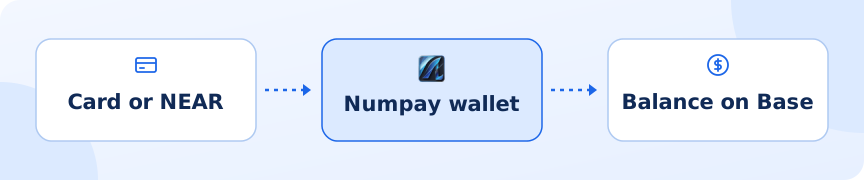
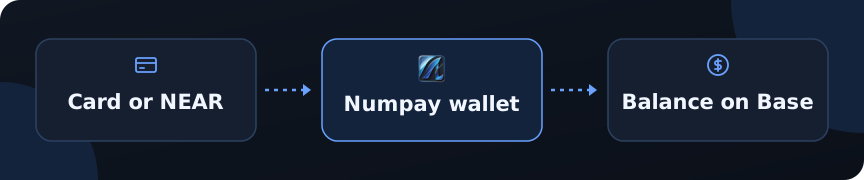
Enter an amount
Type how many dollars you want to add and tap continue.
Complete the purchase in Onramper
Numpay opens Onramper in a new tab with the right crypto and network already selected and your Numpay wallet address filled in. Onramper compares providers and lets you pay by card, Apple Pay or Google Pay, depending on your country. Crypto arrives
Once the provider completes the purchase, the crypto lands in your wallet and your balance updates.
Card purchases are handled entirely by Onramper and its providers, which may ask for identity checks and charge their own fees. Numpay doesn’t see your card details.
If you hold crypto on the NEAR network, you can move it into Numpay. Numpay accepts USDC on NEAR, and it arrives in your balance on Base.Connect your NEAR wallet
Tap Connect NEAR wallet and choose your wallet (for example HOT, Meteor, MyNearWallet or Intear).
Enter an amount
Between $1 and $10,000. Numpay shows how much will arrive on Base and roughly how long it takes.
Approve in your NEAR wallet
Your wallet asks you to approve one transfer. Keep a little NEAR (about 0.003) in the wallet to pay NEAR’s network fee.
Wait for it to arrive
Numpay tracks the transfer and tells you when the funds are in your balance. The deposit then appears in your activity.
If the transfer can’t be completed, or less arrives than quoted, it is refunded to your NEAR wallet automatically.